

 7,643

 Note: Choose the card that matches your account's store country to ensure it works successfully.

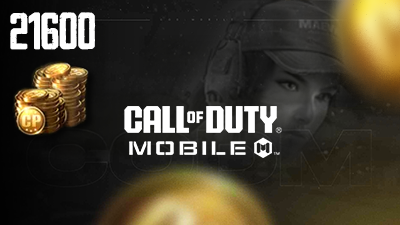
Call Of Duty Mobile (Double Point)

Saudia Arabia

United Arab Emirates
Kuwait
Qatar

Oman

Bahrain

Egypt
74 Cards
To find your PlayerID:
1- Log in to your CODM profile and enter the game lobby.
2- Click on the "Settings" button at the top right.
3- In "Settings", click on the "LEGAL AND PRIVACY" tab and you will find your PlayerID.